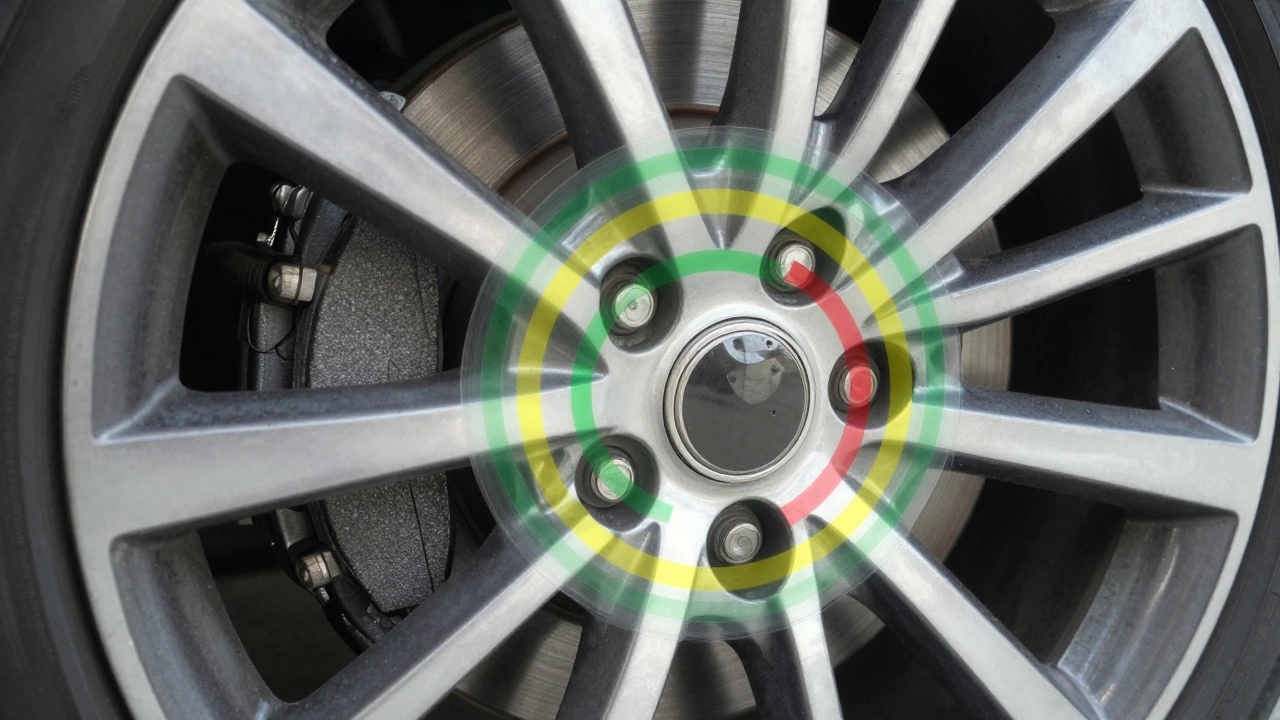
Brake Pad Thickness Visualizer
Quick Reference Guide:
- 12-14mm Excellent
- 8-10mm Good
- 4-6mm Monitor
- <4mm Critical
Status Assessment
GoodYour brake pads are in good condition. No immediate action required. Schedule next inspection in 10,000 miles.
Imagine you’re merging onto a busy highway in June 2026. The car ahead taps its brakes suddenly. You slam your foot down, expecting that solid, reassuring stop. Instead, the pedal feels spongy, the car groans, and it takes three seconds longer than usual to halt. That delay isn’t just annoying; it’s dangerous. Most drivers ignore their brakes until they fail catastrophically, but brake pads are friction materials that clamp onto rotors to slow your vehicle, and they wear out predictably. Knowing exactly when to replace them can save your tires, your suspension, and potentially your life.
You don’t need a mechanic’s degree to spot trouble. Your car communicates through sounds, sensations, and visual cues. If you understand what those signals mean, you can catch worn pads before they destroy your rotors or leave you stranded on the side of the road. Let’s break down the exact signs you should watch for, how to check them yourself, and why timing matters more than mileage.
The Audible Warning: Squeals, Grinds, and Clicks
Sound is often the first clue. Modern brake systems are designed to warn you before they fail completely. However, not all noises mean the same thing. Distinguishing between a harmless cold-weather squeak and a critical grinding noise is crucial.
- The High-Pitched Squeal: Most new brake pads come with a small metal tab called a wear indicator. As the pad material wears down, this tab touches the rotor, creating a high-pitched squealing or chirping sound. This is intentional. It’s your car saying, “Hey, I have about 3,000 to 5,000 miles left.” If you hear this consistently during light braking, schedule an inspection soon.
- The Metallic Grinding: This is bad. A harsh, metallic grinding or growling noise means the friction material is gone, and the metal backing plate of the pad is scraping directly against the steel rotor. This causes immediate damage to the rotor surface. If you hear this, stop driving as much as possible and get repairs immediately. Continuing to drive will warp or crack your rotors, turning a $150 pad job into a $500+ rotor and pad replacement.
- Clicking or Rattling: If you hear a rhythmic clicking while driving (not just when braking), your brake calipers might be loose, or the anti-rattle clips may be missing. While this doesn’t always mean the pads are thin, it indicates the brake assembly is unstable and needs attention.
Don’t confuse these sounds with tire noise. Tire hum usually increases with speed and changes pitch with steering angle. Brake noise is triggered specifically when you press the pedal or when the wheels turn under load.
Tactile Feedback: What the Pedal Tells You
Your feet are sensitive instruments. Changes in how the brake pedal feels are strong indicators of internal wear or hydraulic issues. Pay attention to these three specific sensations:
- The Spongey Pedal: If the pedal sinks lower toward the floor than usual before engaging, or if it feels soft and mushy, you likely have air in the brake lines or low brake fluid. While this can indicate a leak, it often happens alongside severe pad wear because the caliper piston has to extend further to clamp the thin pads against the rotor. Check your fluid reservoir first.
- Vibration or Pulsation: If you feel a shimmy or vibration in the brake pedal when you apply pressure, your rotors are likely warped. Warped rotors are usually caused by overheating from dragging brakes or riding the brake pedal too hard. Worn pads contribute to this because there’s less material to dissipate heat evenly. You’ll also feel this vibration in the steering wheel if it’s the front brakes.
- Pull to One Side: If your car pulls sharply to the left or right when you brake, one side’s pads may be more worn than the other, or a caliper might be stuck. This imbalance reduces stopping power and puts uneven stress on your suspension components.
Note that a slight pull can happen on wet roads due to uneven water distribution on rotors, but consistent pulling in dry conditions is a red flag.
Visual Inspection: Seeing Is Believing
You don’t need to lift the car to check your brake pads. A quick visual inspection through the spokes of your alloy wheels can reveal a lot. Here’s how to do it properly:
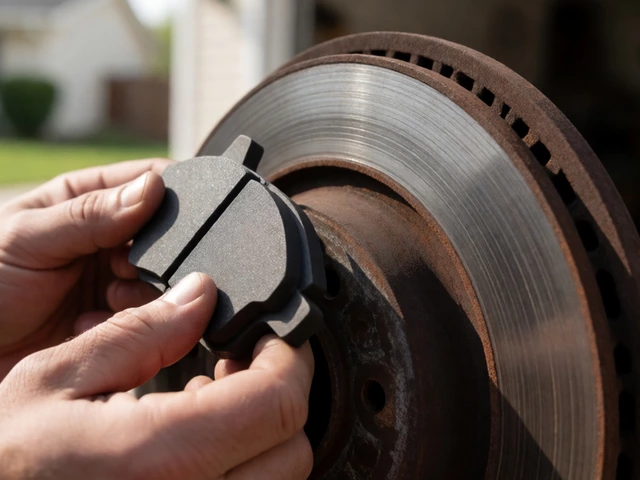
First, park on level ground and ensure the car is off. Look through the wheel spokes at the brake assembly. You’ll see the brake rotor (the shiny disc) and the caliper (the clamping mechanism). Between them sits the brake pad. Focus on the thickness of the friction material.
| Thickness | Status | Action Required |
|---|---|---|
| 12mm - 14mm | New / Excellent | None. Enjoy the ride. |
| 8mm - 10mm | Good | No action needed. Check again in 10,000 miles. |
| 4mm - 6mm | Fair / Wearing | Monitor closely. Plan replacement within 3,000 miles. |
| Less than 4mm | Critical | Replace immediately. Risk of rotor damage is high. |
If you can barely see any dark friction material next to the metal backing plate, your pads are dangerously thin. For a more accurate check, remove the wheel and use a ruler or caliper. Measure the total thickness of the pad including the metal backing. Subtract approximately 3-4mm for the backing plate itself to get the actual friction material thickness. If the remaining material is less than 4mm, it’s time to replace them.
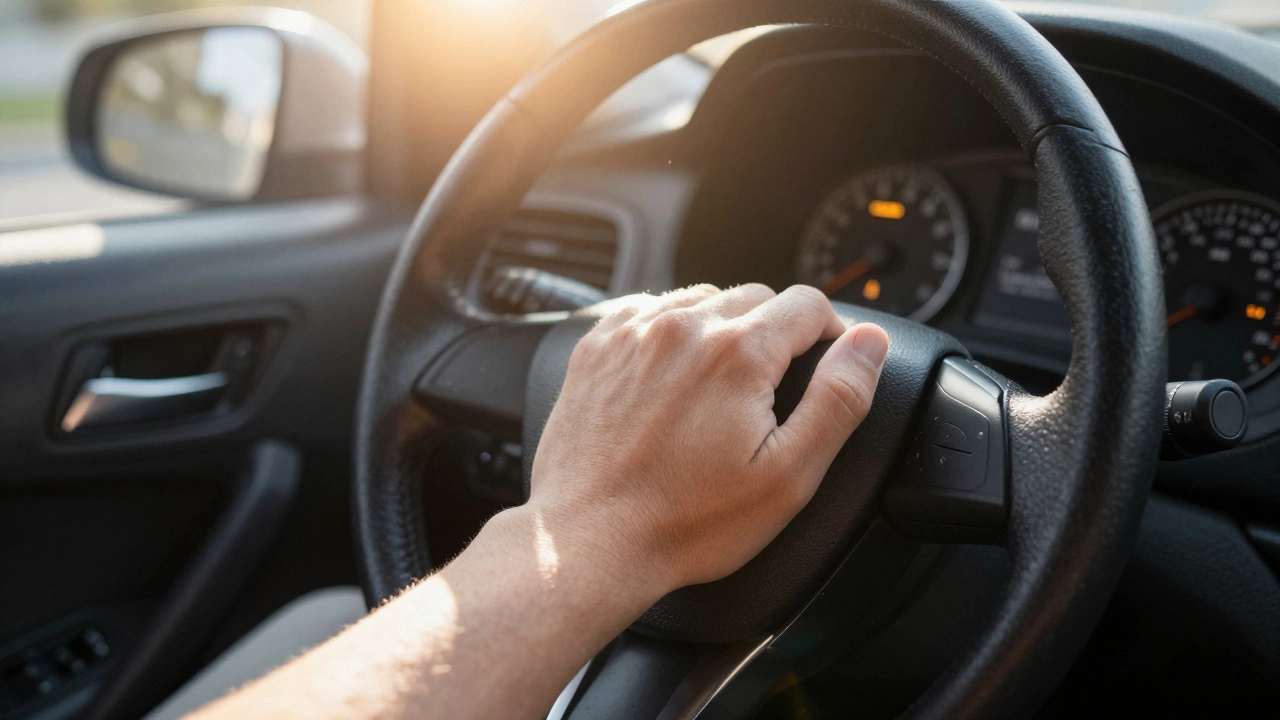
Dashboard Warnings: The Electronic Eye
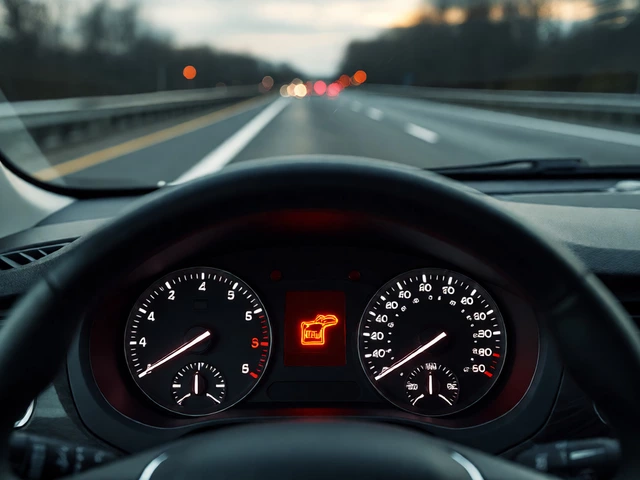
Modern vehicles equipped with electronic stability control and advanced driver assistance systems often include brake wear sensors. These are small wires embedded in the brake pads that cut contact when the pad wears down to a certain point.
When this happens, a warning light illuminates on your dashboard. It usually looks like a circle with parentheses around it and the word “BRAKE” or “SERVICE BRAKES,” or sometimes a specific icon resembling a brake pad with dots. Consult your owner’s manual to identify the exact symbol for your vehicle. If this light comes on, do not ignore it. Unlike the mechanical squealer, which gives you a buffer zone, the sensor triggers only when the pad is near its minimum safe limit. In some luxury brands, the system will even display the remaining pad life percentage on the infotainment screen.
Mileage vs. Condition: Why Numbers Lie
A common misconception is that brake pads last a set number of miles. You’ll often hear people say, “Brakes last 40,000 miles.” This is a dangerous generalization. Brake pad lifespan depends entirely on your driving habits and environment.
City drivers who stop and start frequently, deal with heavy traffic, or carry heavy loads will burn through pads much faster than highway commuters. Aggressive driving-hard braking, speeding, and racing-generates immense heat, which degrades the friction material rapidly. Conversely, gentle, anticipatory driving can extend pad life significantly.
In 2026, with the rise of electric vehicles (EVs) and hybrids, regenerative braking is changing the game. EVs use the motor to slow the car, reducing reliance on physical brake pads. An EV owner might go 70,000 miles or more without replacing pads, whereas a gas-powered sedan driver might need new ones every 25,000 miles. Always prioritize condition over mileage charts.

DIY Replacement vs. Professional Service
Replacing brake pads is considered a moderate DIY task. You’ll need a jack, jack stands, a lug wrench, a C-clamp or brake piston tool, and new pads. The process involves removing the wheel, unbolting the caliper, swapping the pads, and reinstalling everything. It’s straightforward if you follow a guide specific to your car model.
However, there are risks. Improperly seated pads can cause uneven wear or caliper damage. Failing to lubricate slide pins can lead to seized calipers later. And if you’re unsure about bleeding the brakes or checking rotor thickness, it’s safer to pay a professional. Mechanics also perform torque checks on lug nuts and inspect related components like hoses and calipers, providing a comprehensive safety check.
If you choose DIY, never skip the bedding-in process. After installing new pads, you must perform several controlled stops from moderate speeds to transfer a layer of friction material onto the rotors. Skipping this step results in poor braking performance and excessive noise.
Cost Considerations and Value
In 2026, brake pad prices vary widely based on material and brand. Organic pads are cheaper ($30-$50 per axle) but wear faster and produce more dust. Ceramic pads ($50-$100 per axle) offer cleaner operation, less noise, and longer life, making them ideal for daily drivers. Semi-metallic pads are durable and good for heavy-duty use but can be noisier and harder on rotors.
Labor costs typically range from $100 to $300 per axle, depending on your location and shop rates. Remember that replacing rotors adds $100-$200 per rotor plus labor. Preventative maintenance-replacing pads before they grind-is always cheaper than emergency repairs involving warped rotors or damaged calipers.
How often should I replace my brake pads?
There is no fixed timeline. Replace them when they reach 4mm thickness or when you notice warning signs like squealing or reduced braking performance. City drivers may need replacement every 25,000-30,000 miles, while highway drivers or EV owners may go 50,000+ miles.
Can I drive with worn brake pads?
You can drive briefly to get to a repair shop, but avoid long trips or high-speed driving. Worn pads reduce stopping power and risk damaging your rotors, which are much more expensive to replace. Never drive if you hear grinding noises.
Why do my brakes squeal only in the morning?
Morning squeal is often caused by surface rust on the rotors overnight or moisture buildup. It usually goes away after a few stops as the brakes warm up and clear the debris. If the squeal persists throughout the day, it’s likely wear indicators or glazed pads.
Do I need to replace rotors with new pads?
Not always. If your rotors are smooth, undamaged, and above the minimum thickness specification, you can reuse them. However, if they are warped, deeply scored, or near their discard limit, replacing them ensures optimal performance and prevents premature wear on the new pads.
What is the best type of brake pad for daily driving?
Ceramic brake pads are generally the best choice for daily commuting. They provide quiet operation, minimal dust, consistent performance in various temperatures, and longer lifespan compared to organic pads. They are slightly more expensive upfront but cost-effective over time.


Write a comment